
So you've finally had enough of Google Analytics. Maybe GA4's maze of menus gave you a headache once too often. Maybe your legal team started asking uncomfortable questions about GDPR. Or maybe you just want to see your website data without wading through a platform that feels built for a Google engineer rather than a business owner.
You're not alone. According to a March 2026 report from TechnologyChecker.io, GA4 serves around 3.69 million active sites — but roughly 6 million domains are still carrying dead legacy tracking code, a sign that millions of site owners have already started walking away. The migration wave is real.
The good news? There's never been a better time to switch. The privacy-first analytics market has matured fast, and you've got solid options whether you want a dead-simple dashboard or a full-featured platform that rivals GA4's depth.
Here's what the landscape actually looks like right now.
Why people are leaving GA4 (and why it matters for your choice)
Before picking a replacement, it helps to understand what's pushing people out. The complaints about GA4 cluster around a few consistent themes.
The interface is notoriously unintuitive. Abralytics describes it as having a "counterintuitive user interface" with mandatory data sampling that can hide real numbers when you run custom reports. For a small business owner who just wants to know how many people visited a landing page and what they did next, that's a real problem.
The privacy picture is murky. Multiple European data protection authorities — including Austria's DSB and France's CNIL — have ruled that using Google Analytics violates GDPR Chapter V data transfer requirements. Norway's DPA issued warnings about EU-US data transfers as recently as March 2025. If you're serving European users, running GA4 without a proper consent setup puts you in a legally gray area at best.
And the cookie consent banners that GDPR requires? Those banners cost you real conversions. When visitors see a consent prompt and click "reject," their entire session disappears from your data. Depending on your audience, that can mean losing 20–40% of your visitor data before you even see it.
With that context, here's what's worth your attention.
Databuddy: privacy-first analytics that actually answers your questions

If you want to replace GA4 with something that's cleaner, faster, and fully GDPR-compliant out of the box, Databuddy deserves a serious look. It's built on the principle that you shouldn't have to compromise between getting useful data and respecting your users' privacy.
The platform is 100% cookieless — no cookies, no fingerprinting, no IP storage. Because no personal data is collected, you don't need a cookie consent banner at all. That means every visitor gets counted, not just the ones who clicked "accept." That's a meaningful accuracy advantage over cookie-based tools.
Beyond the basics, Databuddy goes further than most privacy-first tools. You get real-time session monitoring, conversion funnel analysis, error tracking, feature flag management, and Core Web Vitals data — all in a single dashboard. For an SMB owner who wants to know where visitors drop off before converting, the funnel view alone is worth it.
The script weighs under 30KB (GA4's script is 45KB), so there's a performance benefit on top of everything else. Databuddy is also GDPR and CCPA compliant by design, with full data ownership — your analytics data belongs to you, not a third party.
Pricing starts free (up to 10,000 pageviews), which makes it easy to test on a real site before committing. You can see a full breakdown at the Databuddy vs Google Analytics comparison page.
Best for: Businesses that want accurate, real-time insights without cookie banners, a simple interface, and more than just pageview counts.
Plausible: the minimalist option
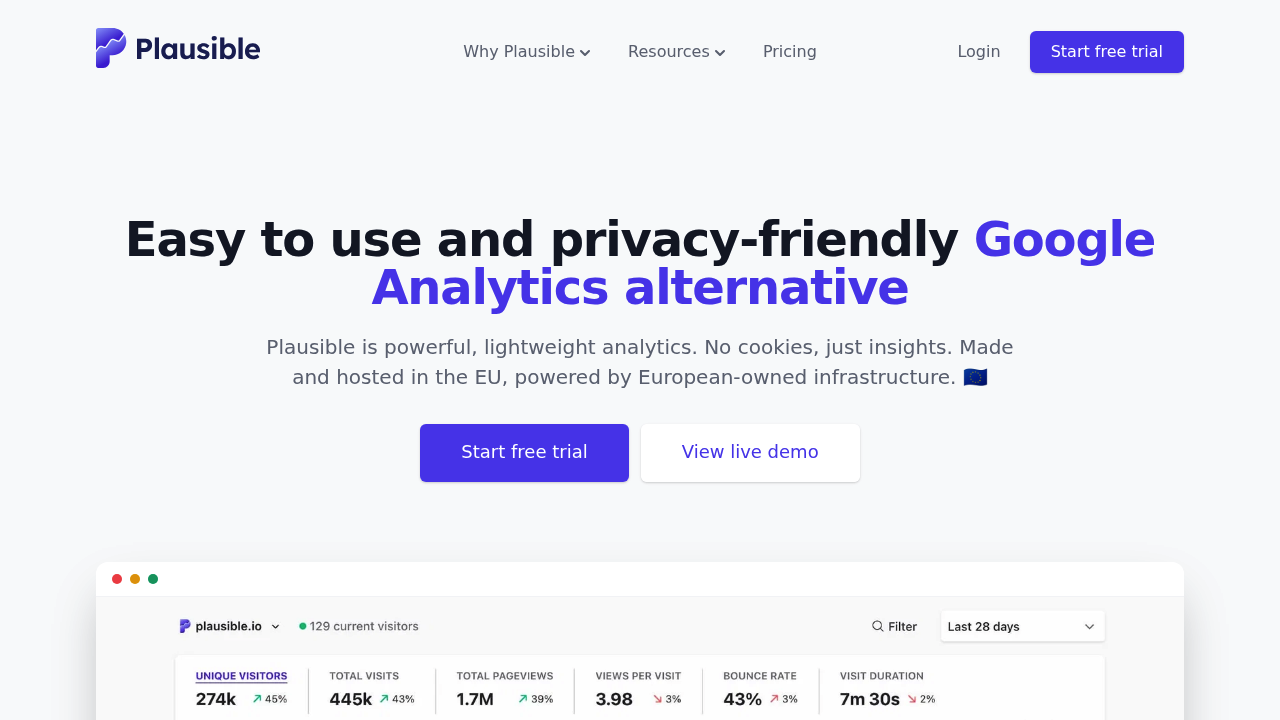
Plausible is probably the most talked-about GA alternative right now. It's open-source, lightweight (under 1KB script), and gives you everything on a single dashboard page: visitors, bounce rate, top pages, referrers. Setup takes about a minute.
Pricing starts at $9/month for up to 10,000 pageviews, scaling to $19/month at 100K and $69/month at 1 million. There's no free tier, but there is a 30-day trial. It's also self-hostable if you want to run your own instance.
Plausible is genuinely great if your needs are simple. The trade-off is that its simplicity is also a ceiling. You won't get conversion funnels, error tracking, or feature flags at the lower tiers — funnels are locked behind the $39/month Business plan. If you need more than traffic snapshots, you'll either pay more or look elsewhere.
For a direct feature and pricing comparison, see Databuddy vs Plausible.
Best for: Bloggers, small content sites, and solo founders who want clean traffic data without complexity.
Matomo: the closest thing to GA4's depth
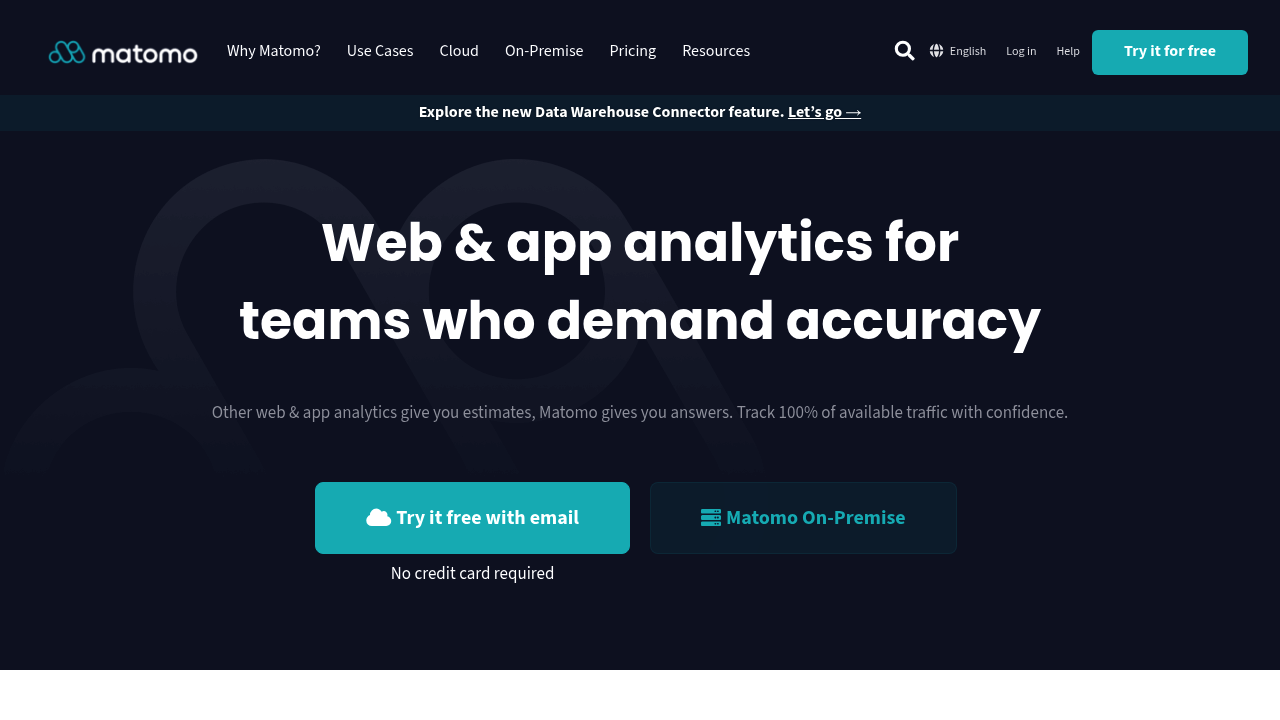
Matomo (formerly Piwik) is the go-to when you need GA-level depth and want to own every byte of your data. It's open-source, trusted by over 1.5 million websites globally according to GetApp, and the self-hosted version is free to download.
The feature set is extensive: heatmaps, session recordings, A/B testing, custom funnels, e-commerce tracking. It also includes a Google Analytics data importer, which helps smooth the transition. There's no data sampling — you analyze 100% of your visitor data.
The catch is complexity. Self-hosting requires a web server, PHP, and MySQL. Premium plugins (heatmaps, A/B testing) cost extra even on the self-hosted version. The learning curve is real, and for a small team without a developer, it can feel almost as overwhelming as GA4.
Cloud hosting starts at around $23/month for 50,000 hits, removing the server management burden but adding ongoing cost.
For a detailed comparison, see Databuddy vs Matomo.
Best for: Teams that need deep analytics, heatmaps, A/B testing, and are comfortable managing technical infrastructure.
PostHog: product analytics for developers
PostHog sits in a different category. Where Plausible and Matomo are primarily web analytics tools, PostHog is built around product analytics — tracking user behavior within your application rather than just measuring traffic sources.
It offers session replays, feature flags, funnels, cohort analysis, and A/B testing. The free tier is generous. The trade-off is that it's heavier and designed for product teams with engineering resources.
If you're a developer building a SaaS product and want to understand in-app behavior, PostHog makes sense. If you're an SMB owner who primarily wants to know where visitors come from and where they drop off on your marketing site, it's more than you need. If you're considering it, the Databuddy vs PostHog comparison breaks down the practical differences.
Best for: Developer teams building web applications who want product analytics alongside session replay.
Fathom: simple and fast
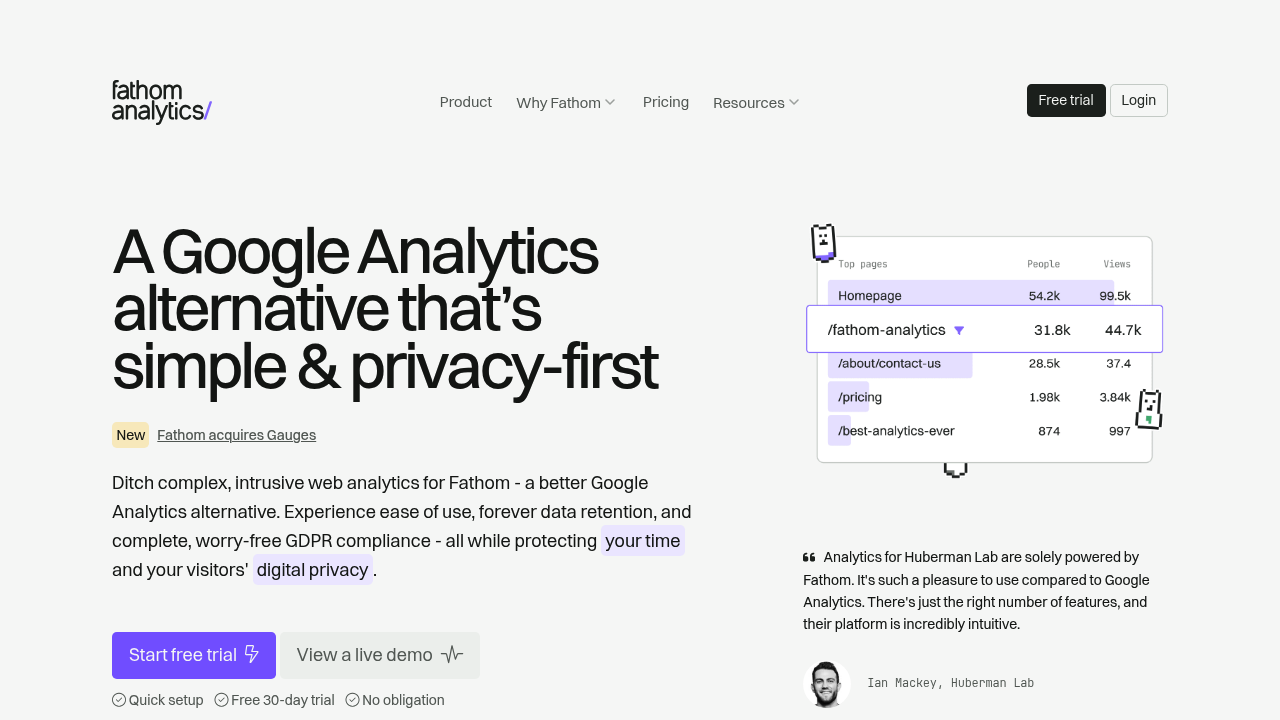
Fathom positions itself as "analytics for humans." Like Plausible, it's cookieless, privacy-first, and shows everything on one dashboard. It's fast, bypasses most ad-blockers, and supports unlimited sites on higher plans — which makes it appealing for agencies managing multiple client sites.
Pricing starts at around $14/month for 100,000 pageviews. There's a 7-day trial. It's proprietary (not open-source), so you can't self-host.
Fathom's main limitation is the same as Plausible's — it's intentionally simple. No error tracking, no feature flags, no Core Web Vitals. What you get is a clean, fast traffic dashboard. Whether that's enough depends entirely on what questions you need answered. If you're outgrowing it, the Databuddy vs Fathom comparison is a good next read.
Best for: Content sites, agencies, and anyone who wants a polished, no-setup-required traffic dashboard.
How to actually pick the right one
The right platform depends on a few concrete questions:
Do you need more than pageview data? If you want funnel tracking, error monitoring, or feature flags, Plausible and Fathom will leave you wanting more. Databuddy covers all of that without adding complexity.
Do you have technical resources? Matomo self-hosted is free and powerful, but it needs a developer to set up and maintain. If you're running lean, a hosted solution saves time and headaches.
Are you operating under GDPR or CCPA? Every tool on this list handles privacy better than GA4, but cookieless platforms like Databuddy go the furthest — no consent banner needed means no data loss from opt-outs. The guide to analytics without cookie consent forms explains exactly how that works.
What's your traffic volume? For very high-traffic sites, per-pageview pricing can add up. Check whether a platform's pricing model fits where your site is today and where it's heading in 12 months.
Is a clean dashboard a priority? If your team isn't analytics-trained, a simpler interface means the data actually gets used. There's a solid breakdown of user-friendly analytics dashboards if that's your main concern.
What the migration actually looks like
Switching tools is less painful than most people expect. Most privacy-first platforms offer a one-script installation — add a single line of code to your site's header and data starts flowing within minutes. No tag manager required, no complex event configuration to replicate.
If you're worried about losing historical GA data, Matomo has a built-in importer. For most SMB use cases though, historical data from GA matters less than you think — the patterns that are useful for decisions (conversion rates, top traffic sources, drop-off points) are visible within the first few weeks of fresh data.
The harder part is changing habits. GA4 trained a lot of people to look for specific reports in specific places. A simpler dashboard can feel like it's hiding something at first, even when it's actually showing you the same information with less noise.
If you're ready to make the switch, the migration guide from Google Analytics to Databuddy walks through the whole process step by step.
Migrating away from Google Analytics isn't just a technical decision anymore. With tightening privacy regulations across the EU and growing user awareness around data collection, the question of which platform you use has real implications for trust, compliance, and data quality. The platforms listed here give you a genuine path forward — pick the one that fits how your team actually works, not the one that sounds most impressive on a feature list.