
The best analytics MCP server is the one built by the analytics tool you already use, because an MCP server only reads data its own product has collected. If you are choosing fresh: PostHog has the widest tool set, Mixpanel and Amplitude are the deepest for product analytics, Plausible, Umami and Simple Analytics give your assistant cookie-free traffic stats, Google's server reads GA4, and Databuddy is built around finding out why a number moved, with errors, Web Vitals, replays and backend logs in the same connection.
An MCP (Model Context Protocol) server lets an AI assistant such as Claude, ChatGPT, Cursor or Codex call your analytics tool directly, so you can ask "where did last week's visitors come from?" and get an answer from your own data instead of a guess. This list covers 11 analytics tools with an MCP server from the vendor itself. Every fact below comes from the vendor's own docs, checked on 27 November 2026; servers change often, so follow the links before you rely on a detail. Databuddy publishes this list and is included in it.
Analytics MCP servers at a glance
- PostHog: hosted, free to call, and the largest tool reference here. Best if you already run PostHog for analytics, replay, flags and errors. Drawback: ChatGPT is not in its list of named clients.
- Mixpanel: hosted in US, EU and India regions, with read and write tools for reports, dashboards, cohorts and experiments. Best for product teams on Mixpanel. Drawback: older accounts need an admin to switch MCP on first.
- Amplitude: hosted, reads and edits charts, dashboards, cohorts, experiments and flags. Best for product teams on Amplitude. Drawback: service accounts for unattended agents are Enterprise or a paid add-on.
- Google Analytics: Google's own server for GA4, Apache-2.0, runs on your machine. Best for reading GA4 reports. Drawback: needs Python and Google Cloud credentials, and there is no hosted URL to paste into Claude or ChatGPT.
- Plausible: hosted, OAuth sign-in, included on every plan. Best for simple traffic questions in ChatGPT or Claude. Drawback: two tools, read-only.
- Umami: 23 read-only tools, on Umami Cloud or your own server. Best for Umami users who want funnels, retention and journeys in chat. Drawback: API key only, and Cloud MCP starts on the Pro plan.
- Rybbit: 44 tools including read-only SQL and Search Console, on Rybbit Cloud or your own server. Best for Rybbit users who want the assistant to set up goals and funnels too. Drawback: OAuth consent is all-or-nothing.
- Simple Analytics: hosted, on every plan including Free, and it can set up goals and events for you. Best for a small site that wants an assistant to do the setup. Drawback: Cursor and some agents cannot sign in over OAuth yet.
- Microsoft Clarity: a local server for Clarity's free recordings and heatmaps, plus AI crawler and citation data. Best for finding recordings by asking. Drawback: needs Node.js on your machine.
- Vercel: Vercel's hosted server includes Web Analytics page view and event counts next to deployments and logs. Best if your site runs on Vercel with Web Analytics on. Drawback: analytics is a small part of a server built for managing projects.
- Databuddy: hosted, OAuth sign-in, 58 tools across analytics, errors, Web Vitals, replays, backend logs, funnels, goals, flags and links. Best for finding out why a metric moved. Drawback: hosted only, and it reads only data Databuddy has collected, so you need its tracker on your site first.
Which analytics MCP server should you use?
| If you want your assistant to... | Use |
|---|---|
| Read the analytics you already have | Your current tool's server |
| Answer traffic questions with cookie-free analytics | Plausible, Umami or Simple Analytics |
| Run funnels, retention and cohorts, and edit dashboards | Mixpanel or Amplitude |
| Work across analytics, replay, flags, errors and logs in one product | PostHog or Databuddy |
| Read GA4 reports | Google Analytics MCP |
| Find session recordings and heatmaps for free | Microsoft Clarity |
| Explain why a metric moved and show the evidence | Databuddy |
| Run on your own server with your analytics | Umami or Rybbit |
How these servers compare
"Not stated" means the vendor's MCP docs do not say. Tool counts are what the docs list on 27 November 2026; a connection can show fewer, depending on its permissions.
| Server | Where it runs | Sign-in | Changes data | Clients named in its docs |
|---|---|---|---|---|
| PostHog | Hosted, mcp.posthog.com/mcp | PostHog account | Yes | Claude Code, Claude Desktop, Cursor, Codex, VS Code, Windsurf, Zed |
| Mixpanel | Hosted, US, EU and India URLs | OAuth or service account | Yes | Claude, Claude Code, ChatGPT, Codex, Cursor, Gemini CLI, Notion, Microsoft Copilot |
| Amplitude | Hosted, US and EU URLs | OAuth or service account | Yes | Claude, Claude Code, ChatGPT, Codex, Cursor, Gemini CLI and more |
| Google Analytics | Your machine (Python) | Google credentials | Off unless you pass --allow-write | Claude Desktop, Claude Code, Cursor, Antigravity |
| Plausible | Hosted, plausible.io/mcp | OAuth | No | Claude, ChatGPT, Grok, Cursor |
| Umami | Umami Cloud, your server, or local | API key | No | Claude, ChatGPT, Cursor |
| Rybbit | Rybbit Cloud or your server | OAuth or API key | Yes | Claude Code, Claude Desktop, Codex, Cursor, VS Code, opencode |
| Simple Analytics | Hosted | OAuth, or an access code for other agents | Yes, it asks first | Claude, ChatGPT, Claude Code, Codex, Cursor |
| Microsoft Clarity | Your machine (Node.js) | Clarity account | Topic reports only | VS Code, Claude for Desktop |
| Vercel | Hosted, mcp.vercel.com | OAuth | Yes, for projects | Claude, Claude Code, ChatGPT, Codex, Cursor, VS Code, Gemini CLI and more |
| Databuddy | Hosted, api.databuddy.cc/v1/mcp | OAuth or API key | Yes, after a preview you confirm | Claude, Claude Code, ChatGPT, Codex, Cursor, VS Code, Gemini CLI |
PostHog: the largest tool set
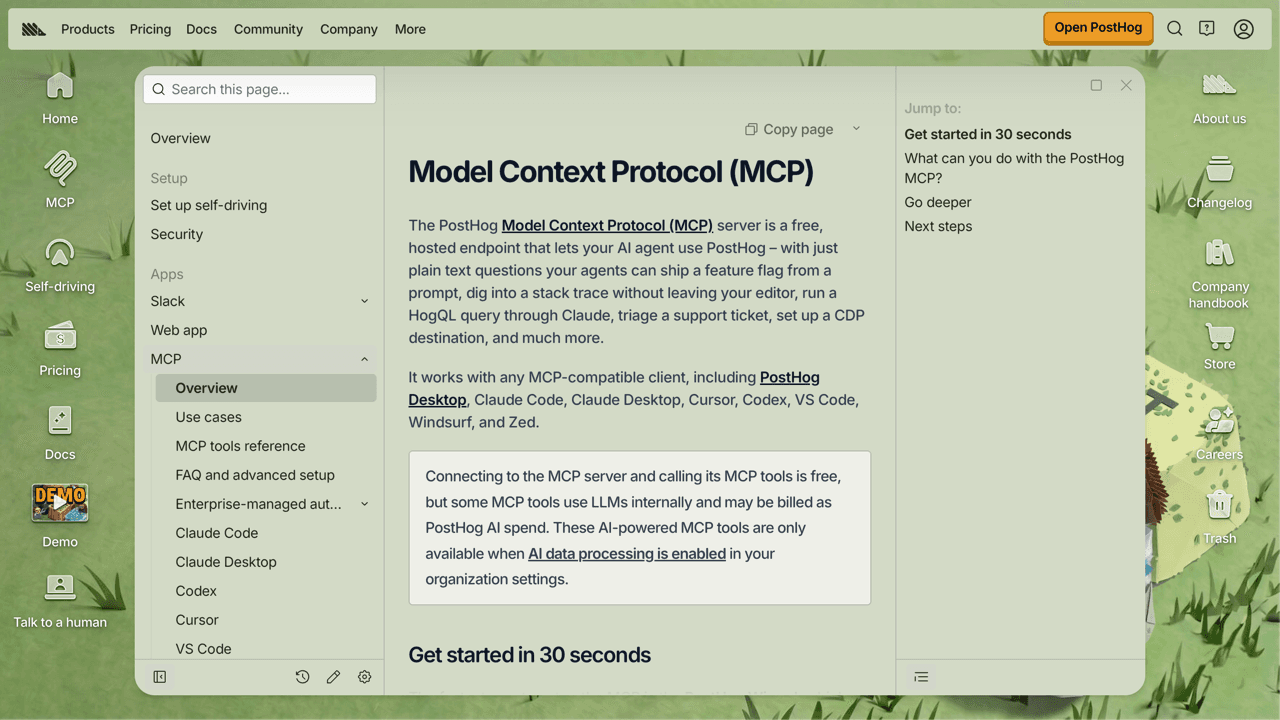
PostHog's MCP docs describe a free, hosted endpoint at https://mcp.posthog.com/mcp that can read and write across PostHog's products. Its tools reference groups the tools into dozens of categories, among them product analytics, session replays, error tracking, logs, experiments, feature flags and SQL. One tool, explain-chart, is described as explaining why a trends chart or a funnel changed. npx @posthog/wizard mcp add sets it up in Cursor, Claude Code, Claude Desktop, Codex, VS Code and Zed.
Drawback: calling the server is free, but the docs say some tools use LLMs internally and may be billed as PostHog AI spend, and those tools need AI data processing turned on for your organization. ChatGPT is not among the clients the page names.
PostHog fits a team that already runs most of its product data through PostHog. For a feature-by-feature view, see Databuddy vs PostHog.
Mixpanel: product analytics with write access
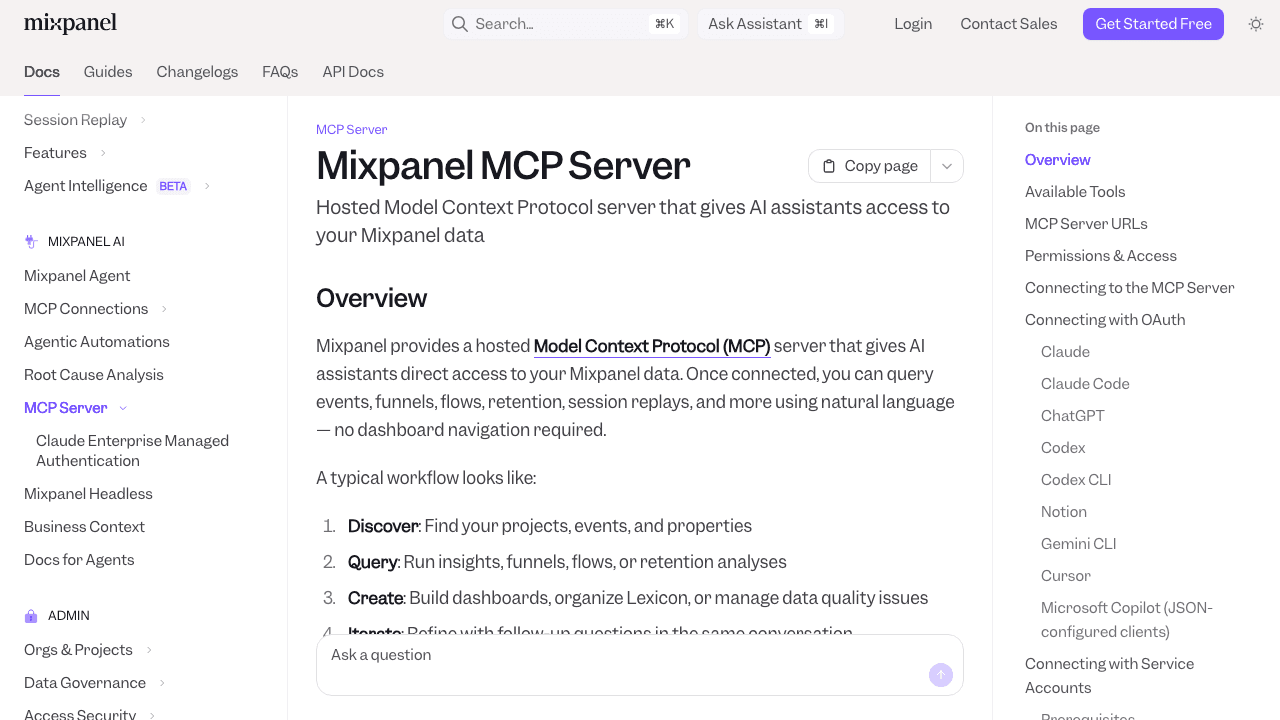
Mixpanel's MCP server is hosted at https://mcp.mixpanel.com/mcp, with separate EU and India URLs. People sign in with OAuth; service accounts, in beta, cover CI jobs and shared setups. The assistant can run insights, funnels, flows and retention queries, read dashboards and session replay data, and create or edit dashboards, cohorts, metrics, experiments and flags. The limit is 600 MCP requests an hour per user. Mixpanel's Claude Code plugin adds a deep-research skill that runs a root-cause investigation into why a metric changed.
Drawback: MCP is on by default only for Free and Growth accounts created after 1 August 2026. On other accounts an organization admin must turn it on first.
Pick Mixpanel's server if your funnels and retention reports already live there. For a feature-by-feature view, see Databuddy vs Mixpanel.
Amplitude: charts, cohorts and experiments from chat
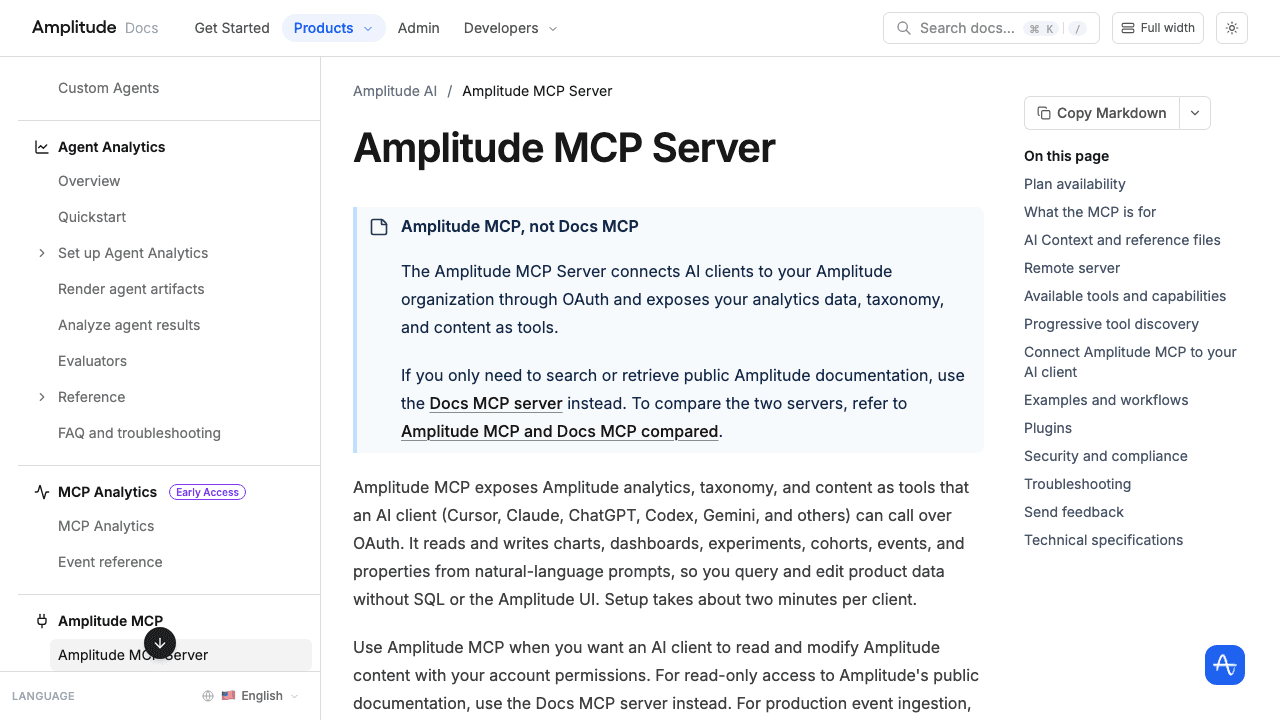
Amplitude's MCP server runs at https://mcp.amplitude.com/mcp, or https://mcp.eu.amplitude.com/mcp for EU data. It acts as the person who signs in, so their permissions apply. It can search and run segmentation, funnel and retention charts, analyze experiments, and create or edit charts, dashboards, notebooks, cohorts, feature flags and metrics. The docs say any existing Amplitude customer can use it, and that ChatGPT gets a curated subset of tools by default.
Drawback: service accounts, which an unattended agent needs, are included on Enterprise and sold as an add-on on Plus; Free and Growth do not include them.
Amplitude's server suits a team that wants an assistant to build and edit charts, not only read them. For a feature-by-feature view, see Databuddy vs Amplitude.
Google Analytics: GA4 reports, run on your machine
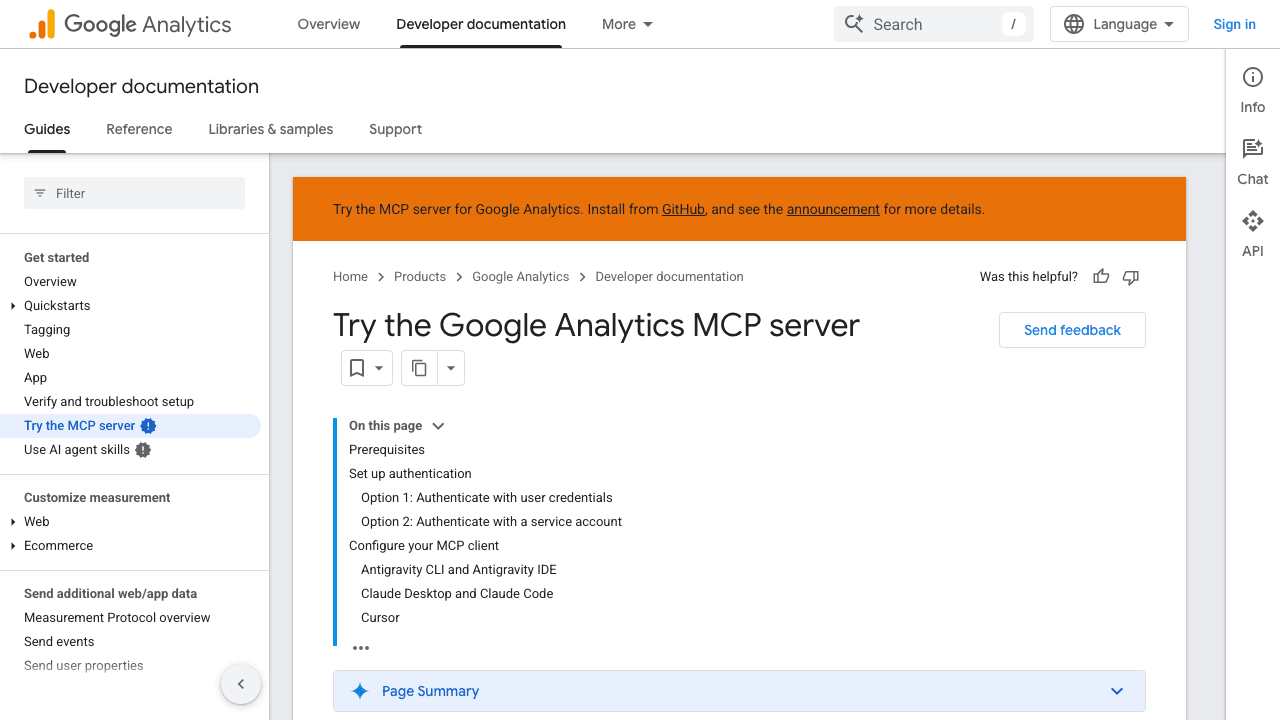
Google's Analytics MCP server is published by the Google Analytics team on GitHub under the Apache-2.0 license. It runs on your computer through pipx run analytics-mcp and calls the Analytics Admin and Data APIs: account and property details, standard, realtime, funnel and conversions reports. The docs cover Antigravity, Claude Desktop, Claude Code and Cursor.
Drawback: setup takes Python, enabled Google Cloud APIs and Application Default Credentials or a service account key. Google's docs page calls it read-only; the repository's README lists three write tools that stay off unless you start the server with --allow-write.
Use it if your traffic data is in GA4 and you are comfortable with a local setup. For a feature-by-feature view, see Databuddy vs Google Analytics.
Plausible: two read-only tools on every plan
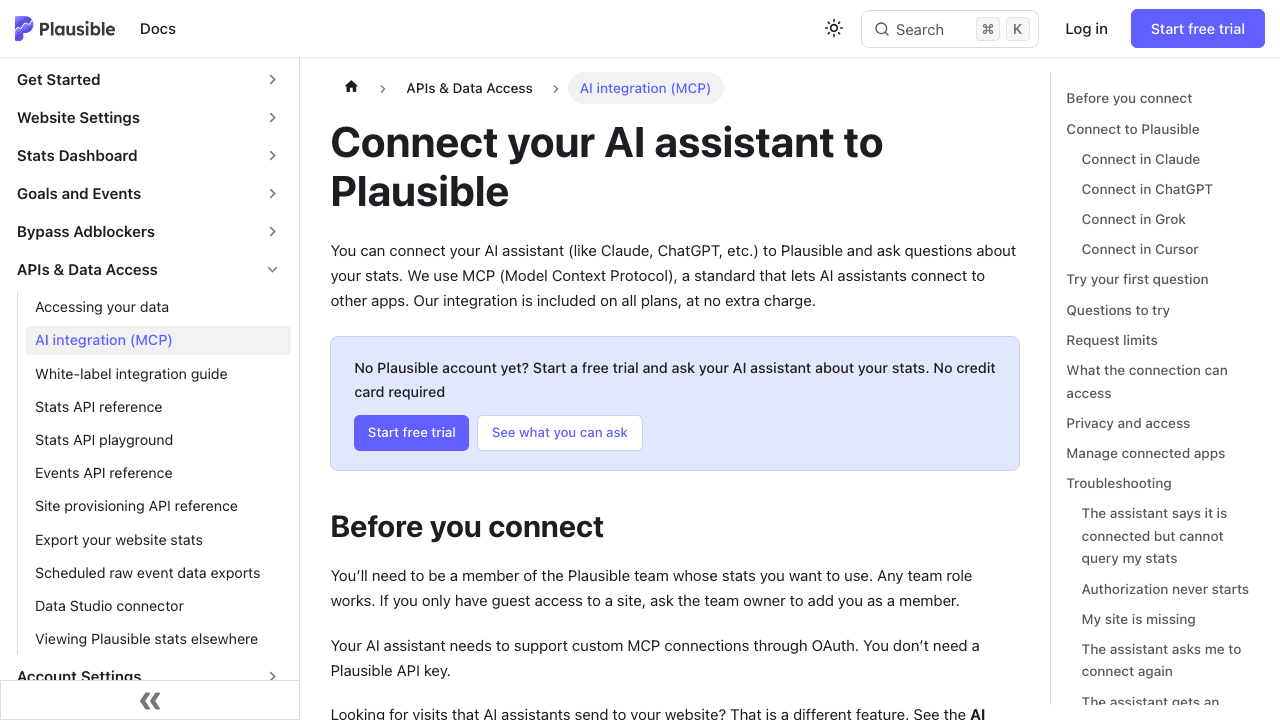
Plausible's MCP server is hosted at https://plausible.io/mcp and is included on every plan at no extra charge. You sign in with OAuth, no API key needed, and the docs give steps for Claude, ChatGPT, Grok and Cursor. It has two tools, list_sites and query_stats, and query_stats takes the same queries as Plausible's Stats API.
Drawback: it is read-only and limited to what the Stats API returns. Requests share an hourly limit with your API keys: 300 an hour on Starter and Growth, 600 on Business.
Plausible's server fits a team that wants quick traffic answers in ChatGPT or Claude without managing keys. For a feature-by-feature view, see Databuddy vs Plausible.
Umami: 23 read-only tools, hosted or on your server
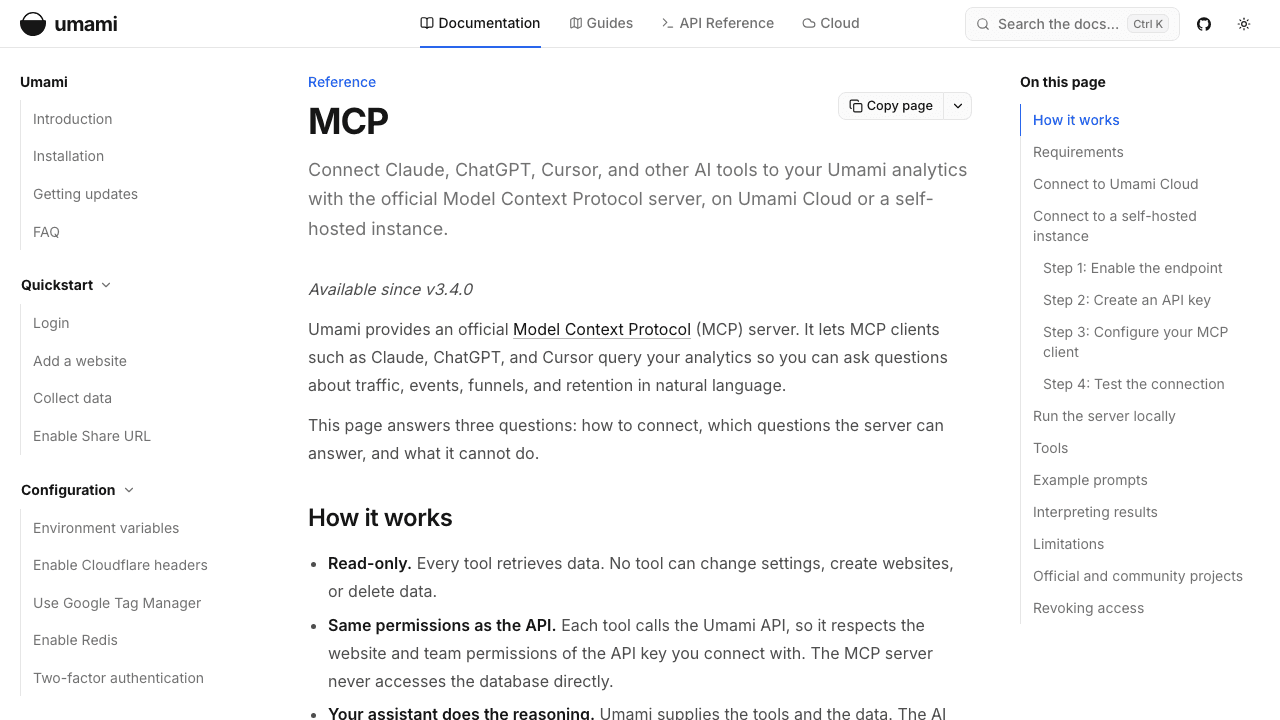
Umami's MCP server works on Umami Cloud at https://cloud.umami.is/mcp, on a self-hosted instance from v3.4.0 with MCP_ENABLED=1, or locally through npx -y @umami/mcp. Its 23 tools cover website stats, events, sessions, saved funnels and goals, funnel, journey, retention and attribution reports, revenue and Web Vitals.
Drawback: every tool is read-only, sign-in is by API key only, and on Cloud the server needs the Pro, Business or Enterprise plan. The docs say session replays, heatmaps and boards are not exposed.
Umami fits a team already on Umami that wants funnels and retention in chat. For a feature-by-feature view, see Databuddy vs Umami.
Rybbit: analytics, SQL and Search Console, with write access
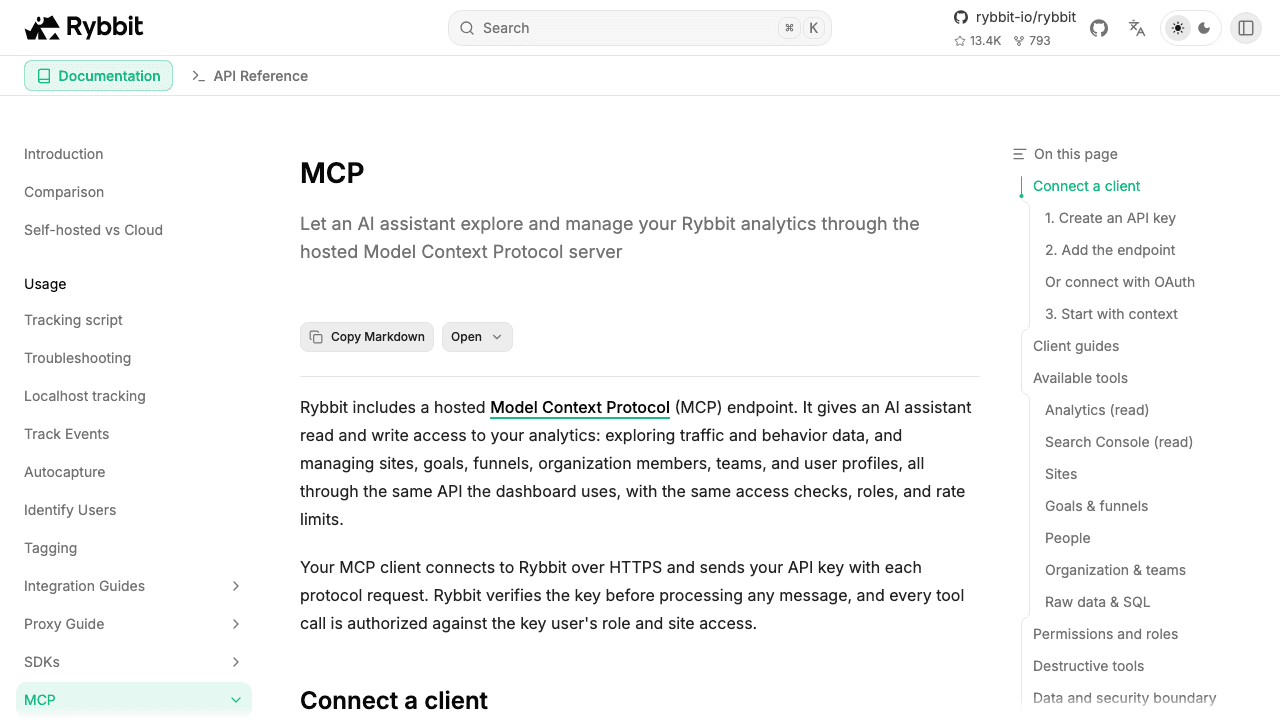
Rybbit's MCP server runs at https://app.rybbit.io/api/mcp, or on your own domain if you host Rybbit yourself. It lists 44 tools: analytics reads, Search Console reads, read-only site-scoped SQL, and management tools for sites, goals, funnels, people and teams. You can sign in with OAuth or use scoped API keys, and delete tools are marked as destructive so compliant clients ask first.
Drawback: the docs say OAuth consent is all-or-nothing; to limit what an assistant can do, use a scoped API key instead.
Choose Rybbit's server if you want an assistant that also sets up goals and funnels. For a feature-by-feature view, see Databuddy vs Rybbit.
Simple Analytics: setup help on every plan
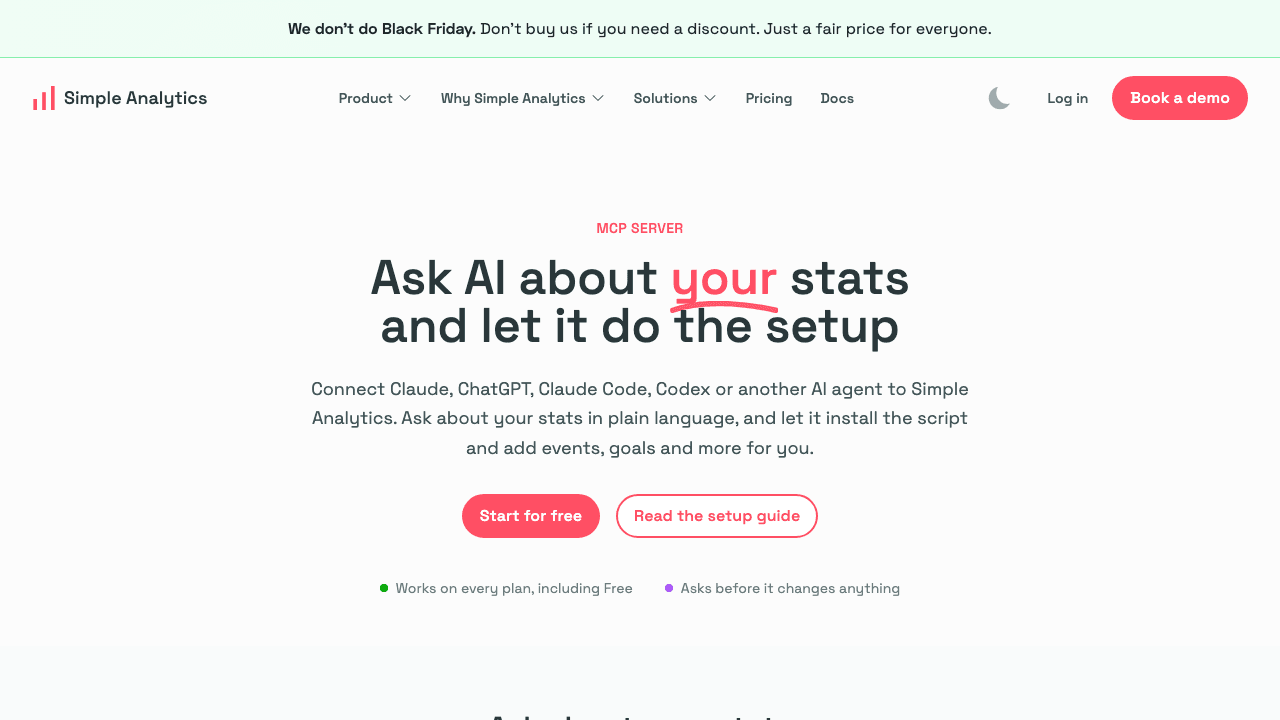
Simple Analytics' MCP server works on every plan, including Free. Claude and ChatGPT can answer stats questions, compare with the previous period, and change goals, funnels, annotations, email reports and site settings, asking before each change. Coding agents can install the script and add events. It cannot delete anything or change billing.
Drawback: Cursor and some other agents cannot sign in over OAuth yet; they get access through an approval link and code instead.
Simple Analytics suits a small site that wants an assistant to handle setup as well as answer questions. For a feature-by-feature view, see Databuddy vs Simple Analytics.
Microsoft Clarity: recordings and AI visibility
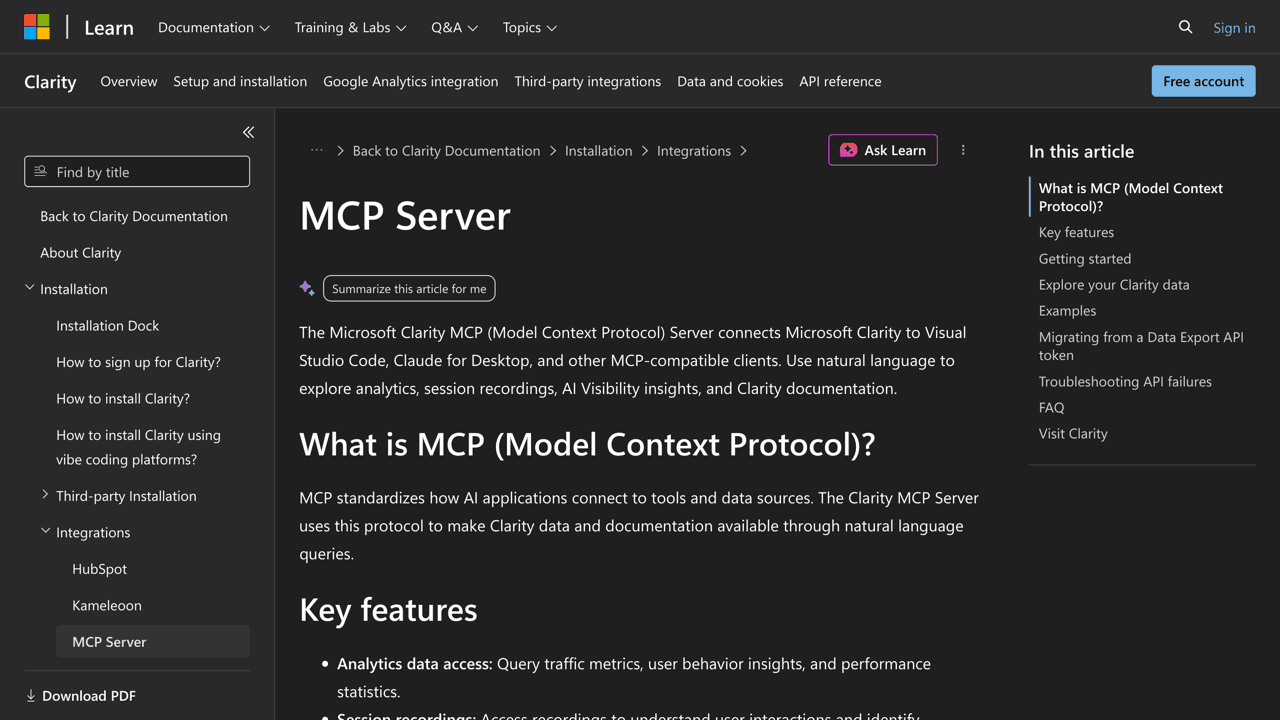
The Clarity MCP server runs on your machine with npx -y --prefer-online @microsoft/clarity-mcp-server@latest and signs in to your Clarity account. It can query traffic and behavior metrics, find session recordings by page, device, browser or country, and read Clarity's AI Visibility data: which AI answers cite your site and which AI crawlers request your pages.
Drawback: it needs Node.js 16 or later on your machine, and the docs name VS Code and Claude for Desktop rather than ChatGPT or other web assistants.
Clarity's server pairs well with another analytics tool, since it covers recordings rather than funnels or events.
Vercel: Web Analytics next to your deployments
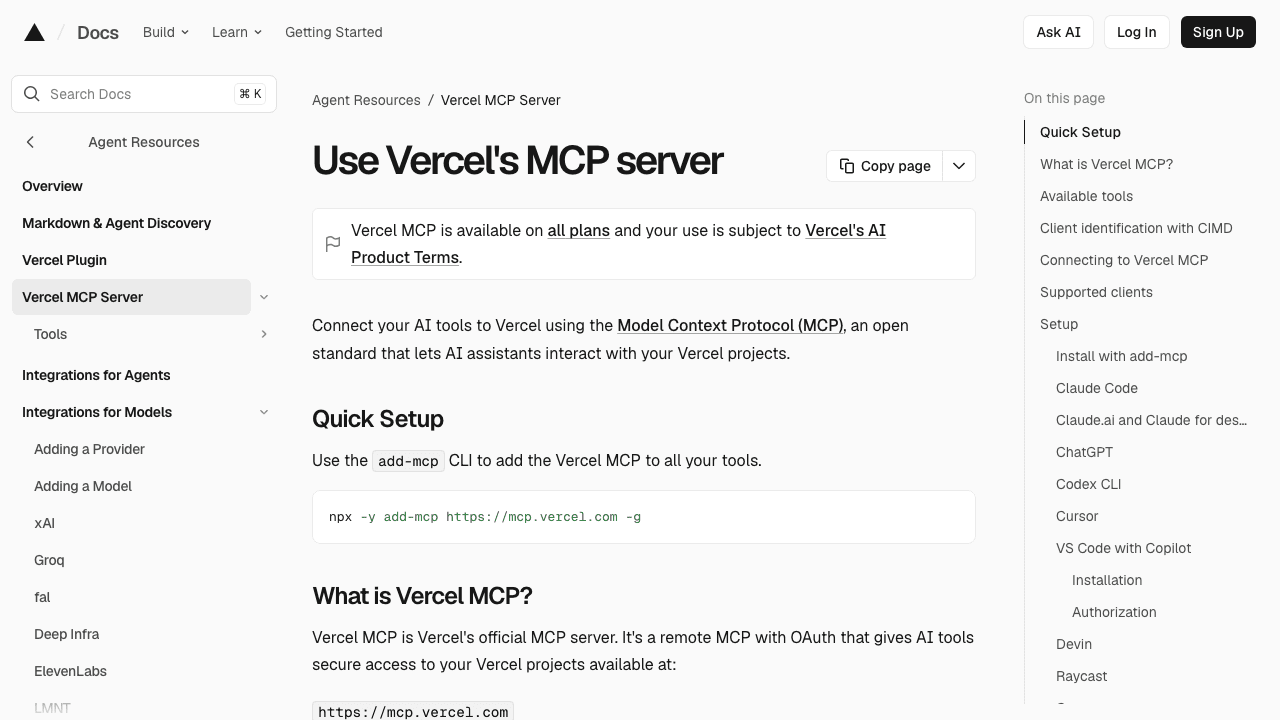
Vercel's MCP server is hosted at https://mcp.vercel.com, uses OAuth, and is available on all plans. Its Web Analytics tools count and group page views and custom events by page, referrer, country, device, UTM fields and feature flags, for projects with Web Analytics turned on. The same connection reads deployments, runtime logs and errors.
Drawback: analytics is one small category in a server built to manage Vercel projects. There are no funnels, retention or session replays.
Use it if your site is on Vercel and you want "did the last deploy change traffic?" answered next to the deploy itself. For a feature-by-feature view, see Databuddy vs Vercel Analytics.
Databuddy: find out why a metric moved
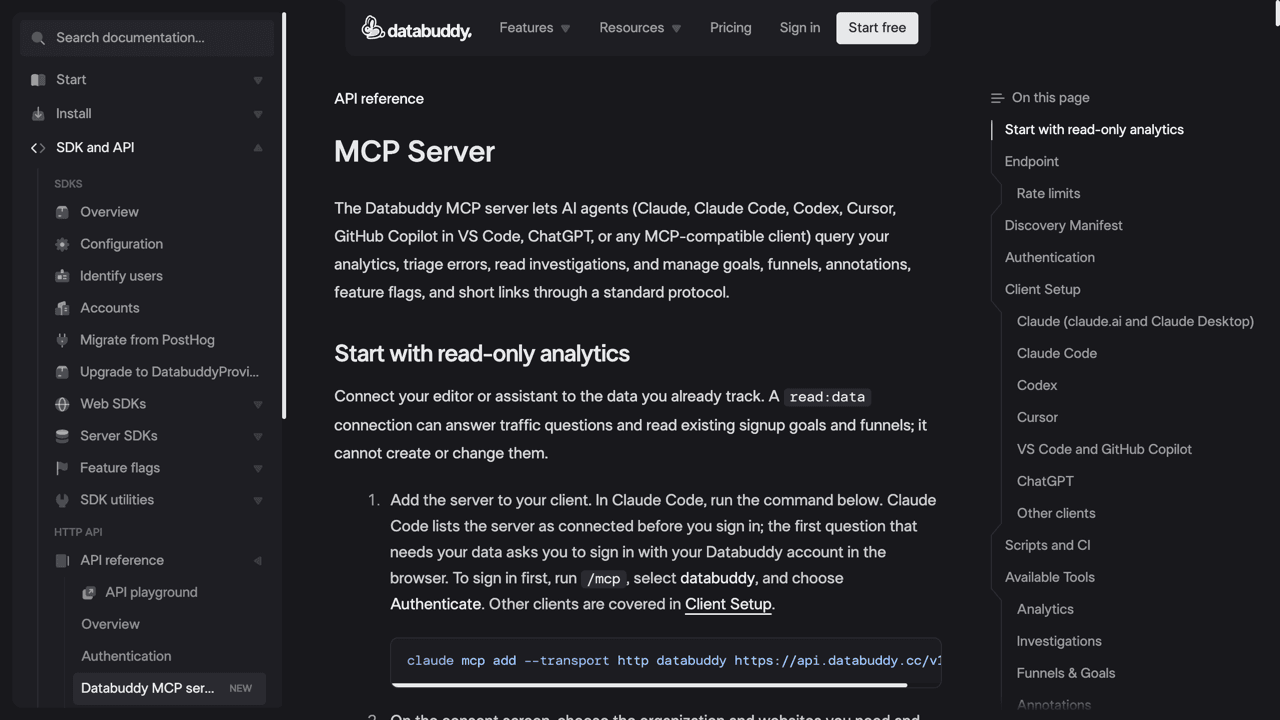
Databuddy's MCP server is hosted at https://api.databuddy.cc/v1/mcp. You sign in with your Databuddy account, then choose the organization, websites and permissions on a consent screen; read permissions start selected and actions start off. Scripts and CI jobs use a scoped API key instead. It is listed in Claude's connector directory, and the docs cover Claude Code, Codex, Cursor, VS Code, ChatGPT and Gemini CLI.
On 27 November 2026 the server lists 58 tools. The ones built for "why did this change?" questions:
get_datawithcomparereturns the previous period next to the current one, andorderBy: "delta.visitors DESC"ranks the pages, referrers or countries that gained or lost the most.- The same tool reads errors, Web Vitals, sessions, custom events and revenue, so the assistant can check whether a drop lines up with new errors or slower pages.
search_replaysfinds recordings by page, error or user, andquery_logsreads backend logs you have linked, such as Axiom datasets.list_changesreturns metric changes Databuddy already detected, andget_investigationreads a saved investigation with its evidence.list_annotationsincludes your GitHub deploys and releases, so a change can be read against what shipped.
Changes to goals, funnels, flags, annotations and links return a preview first and are saved only when you confirm.
Drawback: Databuddy is hosted only, and its server reads data Databuddy collected, so it cannot query your GA4 or PostHog accounts. Each MCP tool call also counts as one event toward your plan's event allowance.
For a walkthrough with real questions, see how to ask Claude why your signups dropped. To try it on your own site, create an account and connect it from Claude's directory.
How to choose an analytics MCP server
Start with the data. An MCP server cannot answer questions about events its product never recorded, so the server for the tool you already use will give better answers than a better server pointed at an empty project.
Then check four things in the vendor's MCP docs:
- Where it runs. A hosted URL works in Claude, ChatGPT and Cursor with a paste. A local server (Google Analytics, Clarity) needs Python or Node.js on each machine and does not work in web chat.
- How it signs in. OAuth lets each person connect as themselves with their own permissions. API keys are simpler for scripts but are easy to paste into the wrong place.
- What it can change. Read-only servers are safe to hand to anyone. Servers with write tools should let you choose permissions at sign-in and confirm each change.
- Which client you use. ChatGPT support varies most. Mixpanel, Amplitude, Plausible, Umami, Simple Analytics, Vercel and Databuddy name it in their docs; PostHog, Google Analytics, Rybbit and Clarity do not.
Frequently asked questions
What is an analytics MCP server?
It is a small service from an analytics vendor that exposes its reports as tools an AI assistant can call over the Model Context Protocol. Once connected, Claude, ChatGPT, Cursor or another client can query your traffic, funnels or events and answer from the numbers instead of guessing.
Which analytics MCP servers work with ChatGPT?
On 27 November 2026, Mixpanel, Amplitude, Plausible, Umami, Simple Analytics, Vercel and Databuddy include ChatGPT in their setup docs. Adding a custom MCP server in ChatGPT depends on your plan and workspace settings.
Is there an official Google Analytics MCP server?
Yes. The Google Analytics team publishes one on GitHub, documented at developers.google.com. It runs on your own machine with Python and Google credentials, and reads GA4 reports.
Can an analytics MCP server change my data?
Some can. Plausible, Umami and Google's server (by default) are read-only. PostHog, Mixpanel, Amplitude, Rybbit, Simple Analytics and Databuddy can create or edit things such as goals, funnels, dashboards or flags. Databuddy and Simple Analytics show what will change and wait for you to confirm.
Which analytics MCP server can explain why a metric changed?
PostHog has an explain-chart tool for trends and funnels, and Mixpanel's Claude Code plugin adds a deep-research skill. Databuddy ranks what changed between two periods, lists the changes it detected on its own, and puts errors, Web Vitals, replays and backend logs in the same connection so the assistant can check causes.